 bKash Pay Bill
Step-by-step Payment Guide
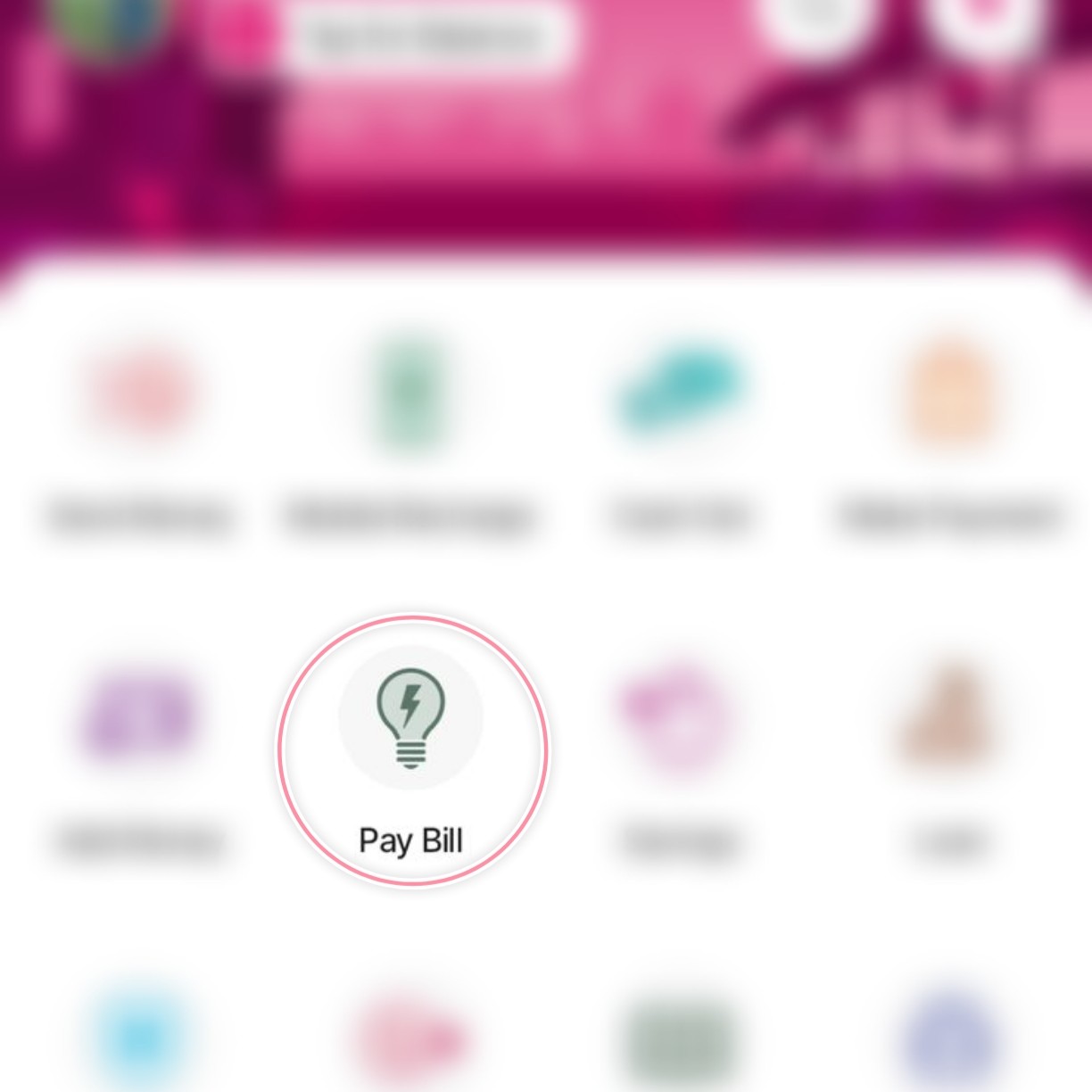
Select Pay Bill
Tap on the "Pay Bill" (পে বিল) icon from your bKash app home screen.
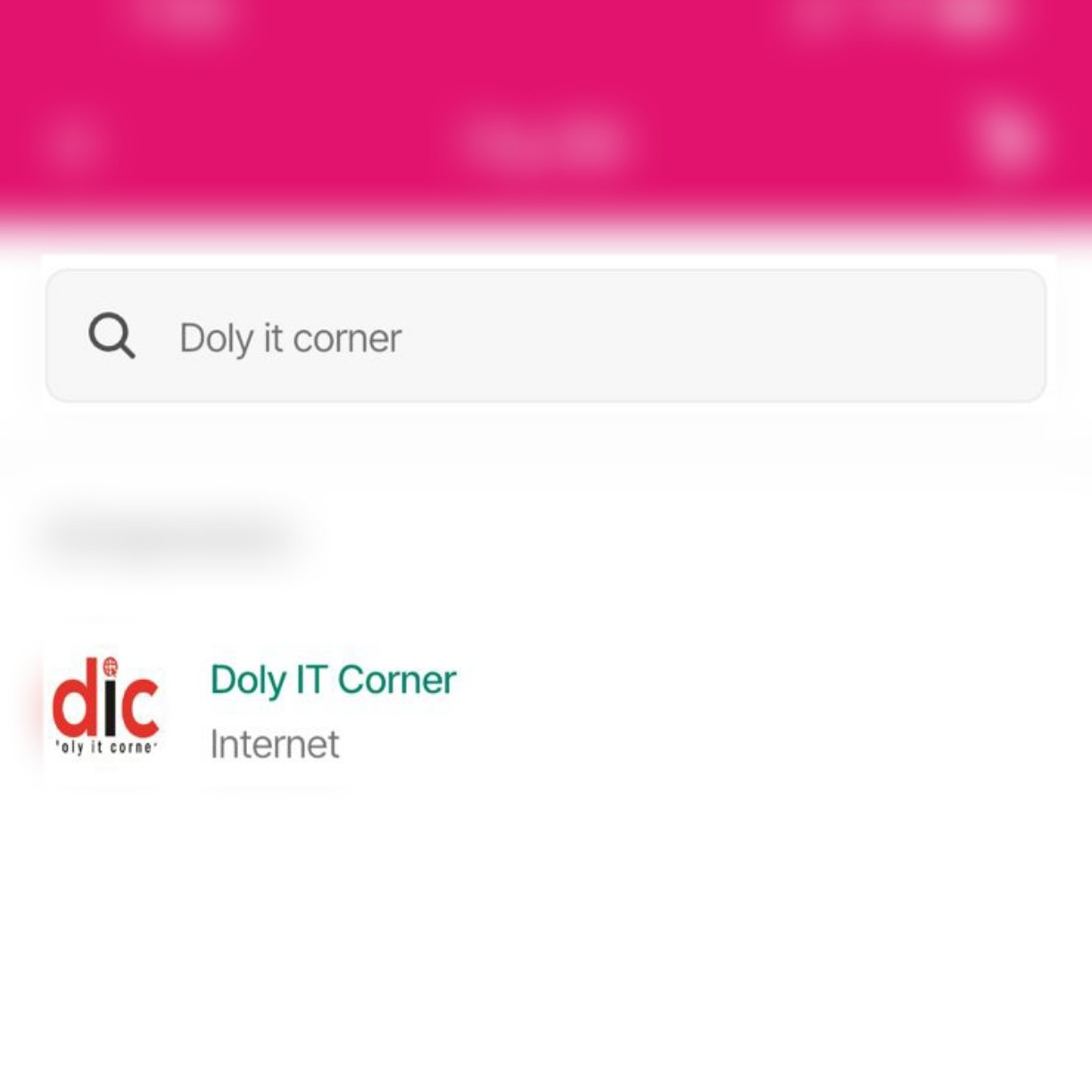
Search Biller
Search for Doly IT Corner or select it from the Internet category.
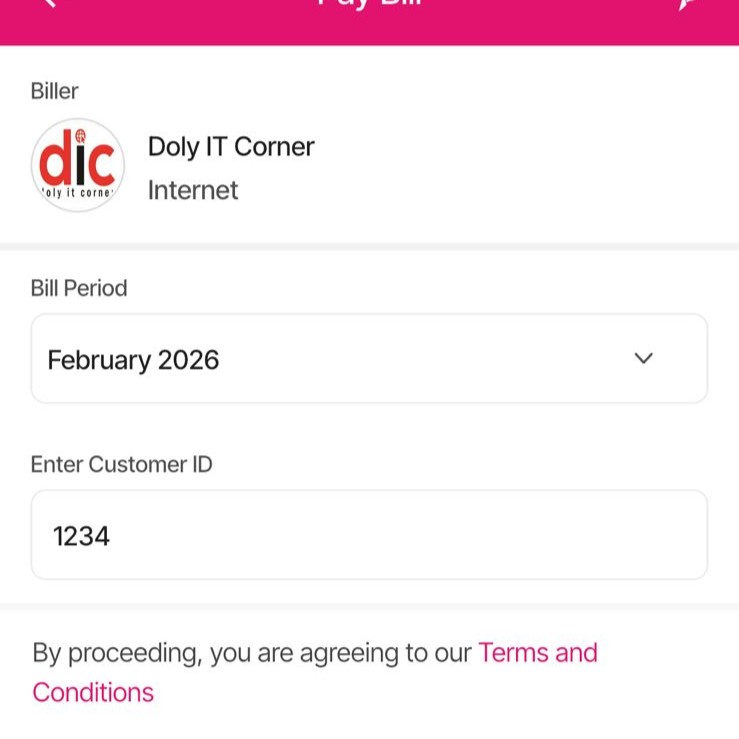
Enter Customer ID
Select the bill month and enter your Customer ID.
Confirm Payment
Enter your PIN and tap & hold to confirm the bill payment.
Prefer to use the USSD Menu?
Dial *247# → Select Payment (Option 4) → Enter Merchant No: 01730939374
Crucial: Always use your Customer ID as the Reference when paying manually!
 Nagad Pay Bill
Step-by-step Payment Guide
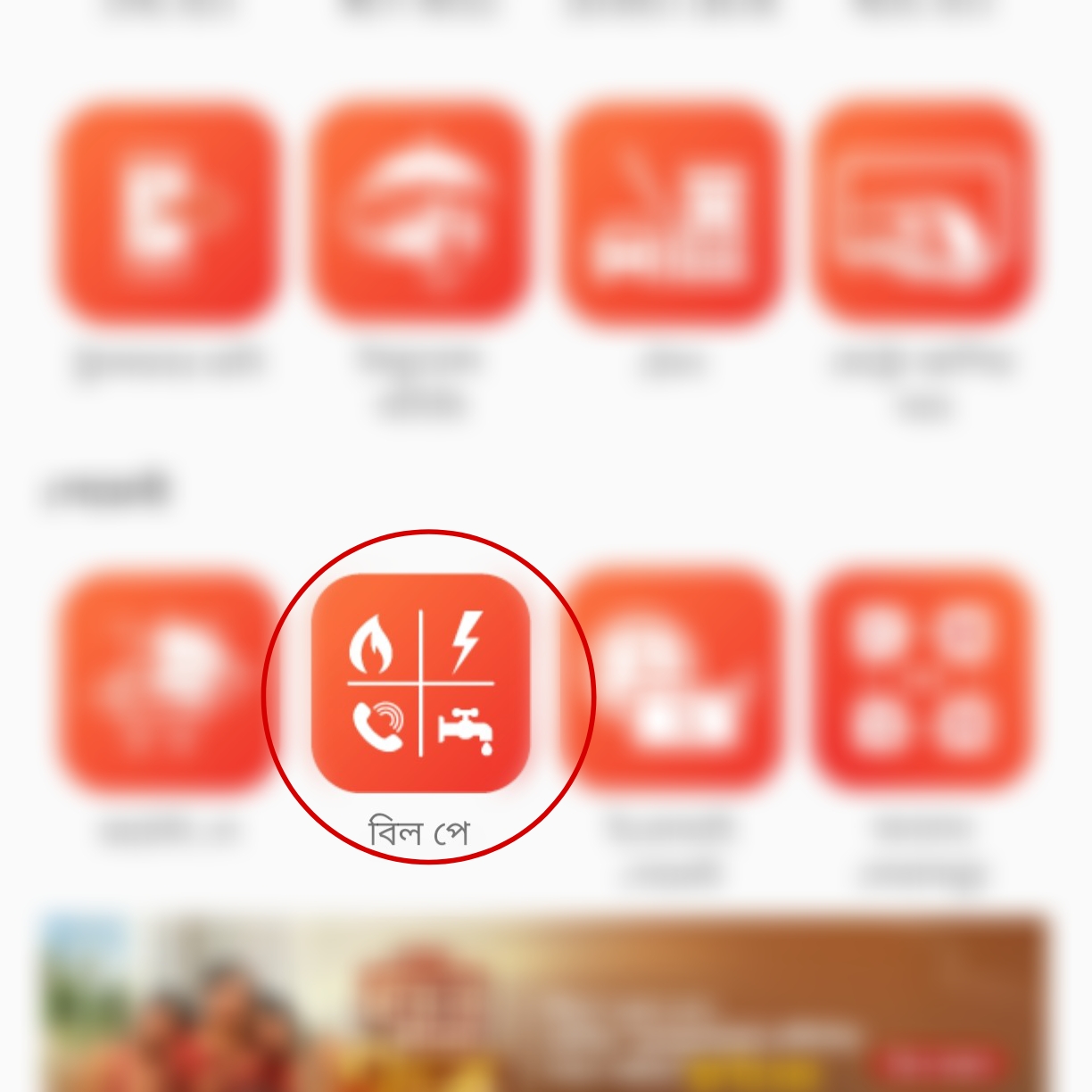
Select Pay Bill
Tap on the "Pay Bill" (পে বিল) icon from your Nagad app home screen.
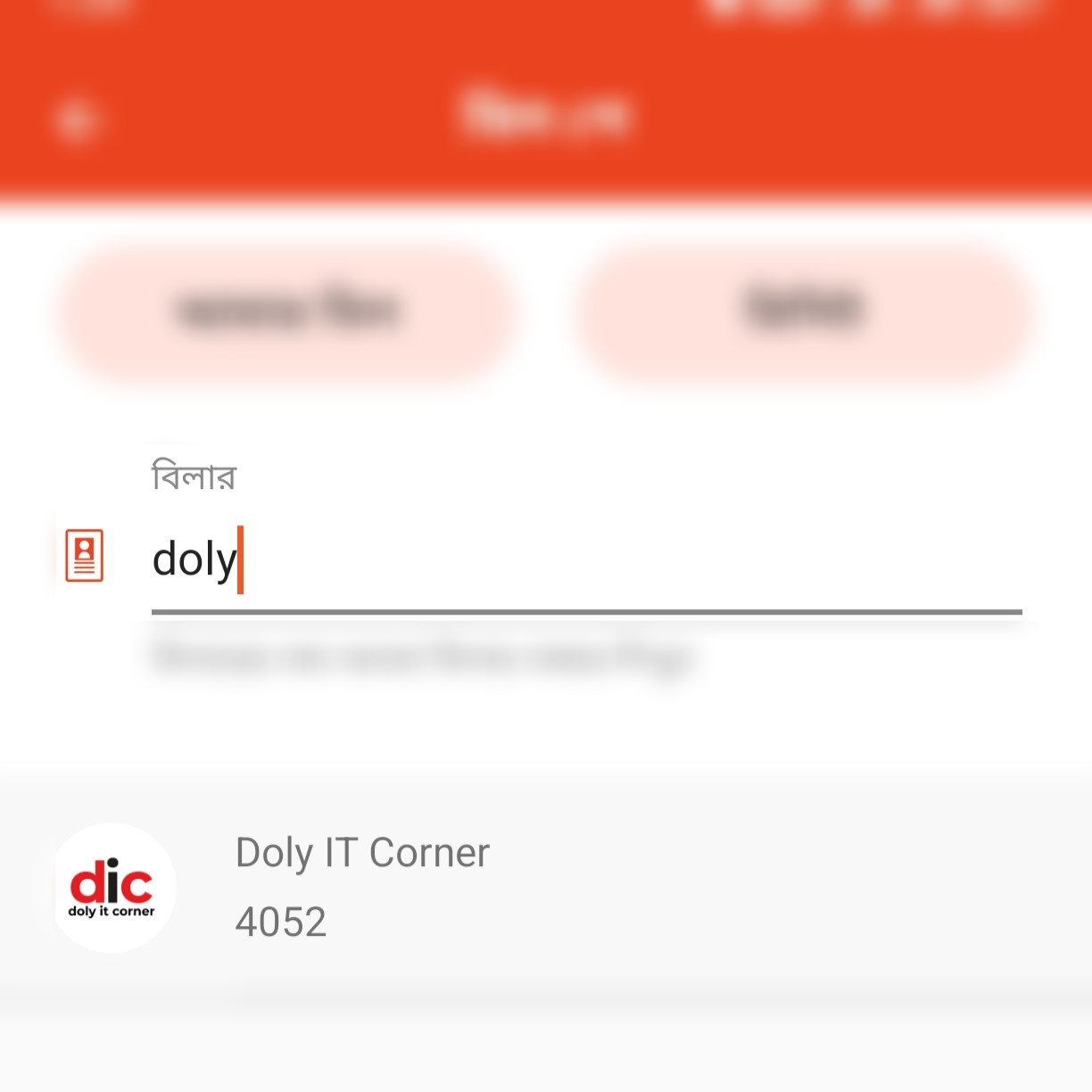
Search Biller
Search for Doly IT Corner or select it from the Internet category.
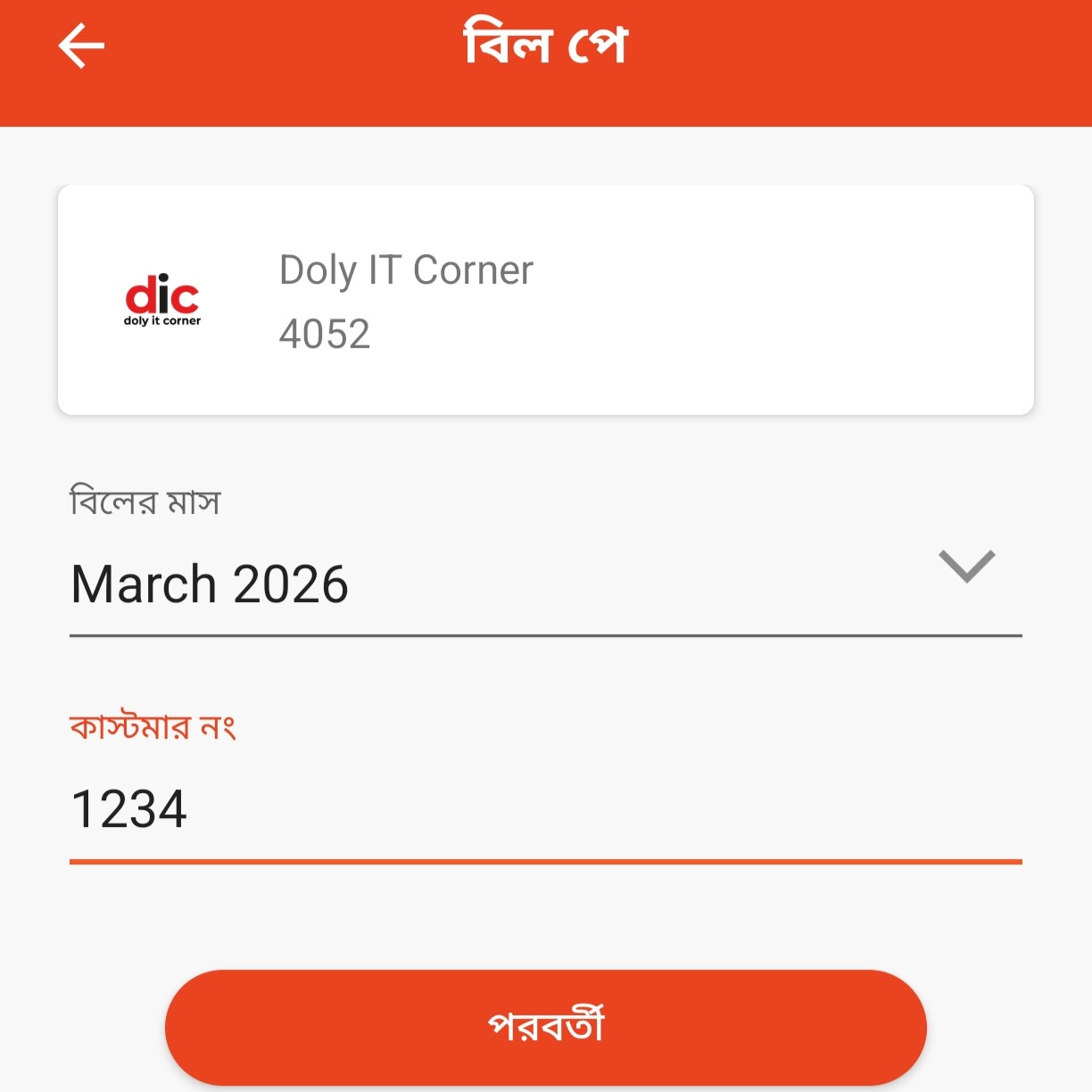
Enter Customer ID
Select the bill month and enter your Customer ID.
Confirm Payment
Enter your PIN and tap & hold to confirm the bill payment.
Prefer to use the USSD Menu?
Dial *167# → Select Payment → Enter Merchant No: 01730939374
Crucial: Always use your Customer ID as the Reference when paying manually!